Automate Mixed-Use Leasing: Apartments and Retail
See how Leasey.AI separates apartment and retail workflows with AI lead prequalification and automated screening. Schedule a free demo to evaluate features, configuration, and likely ROI for your mixed-use portfolio.
Book Your Free Demo
Why Residential Mixed-Use Developments Require Different Leasing Automation Than Single-Use Properties
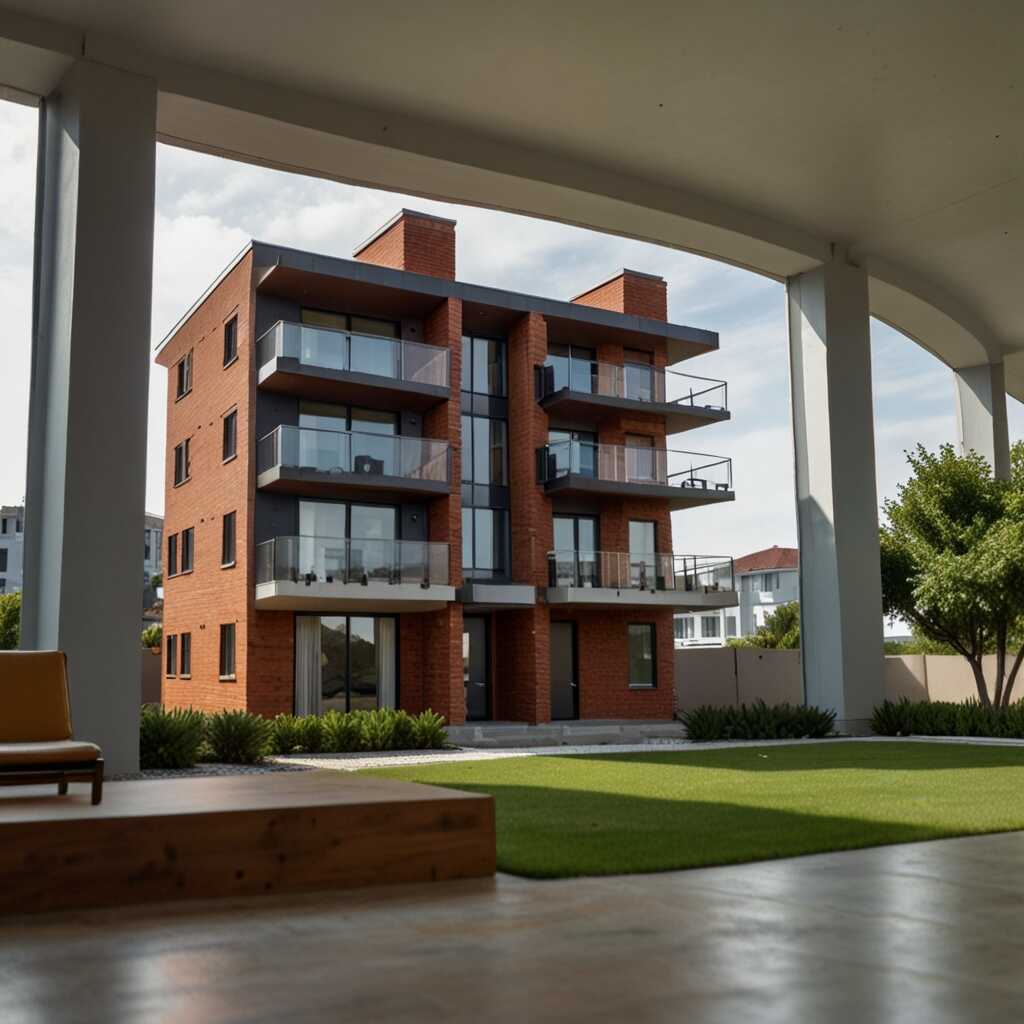
Residential mixed-use developments combine apartment units with ground-floor retail spaces. They also include podium retail or commercial spaces within the same building or campus, creating separate income streams from residential rent versus retail. retail base rent, CAM pass-throughs, and sometimes percentage rent). They differ physically by access, mechanical needs, signage, loading and Tenant Improvement (TI) requirements. Operationally, they require distinct lease types (NNN, gross, modified gross), Common Area Maintenance (CAM) accounting, separate tenant screening rules, and different permitting/compliance checks. Tenant profiles and lease terms diverge: residents expect standard digital lease & e-signatures, recurring monthly rents, and background screening. Retail tenants, however, often negotiate longer terms, TI allowances, CAM clauses, and signage or delivery privileges. Success requires unit-level accounting, clear data-sharing agreements, and zoning/compliance checks before you consolidate workflows or automate rent and CAM allocations.Automating Residential and Retail Workflows Separately
Counter‑intuitive insight: automating residential workflows and then applying them unchanged to retail units usually increases exceptions and manual work. This occurs because retail needs bespoke listing syndication rules, showing scheduler configurations, tenant screening thresholds, and lease templates with CAM and TI clauses. Leasing directors and asset managers should view this as a two-track operation. Residential operations focus on speed-to-lease and turnover metrics. Retail operations focus on NOI impact, TI amortization, and lease enforcement. Immediate next step: configure two parallel workflows for a small pilot portfolio (residential vs. Deploy separate lease templates and screening rules for retail properties. Track lead-to-lease, time-to-occupancy, Common Area Maintenance (CAM) reconciliation errors, and NOI by asset class weekly for 30–60 days. Troubleshooting tip: If CAM reconciliations or TI approvals spike during the pilot, pause template rollouts. Map required approvals to specific roles and add unit-level accounting fields before scaling.Why Separate Leasing Automation Workflows Are Critical for Apartments and Retail Units in Mixed-Use Developments
Mixed-use developments combine two different asset types. Apartment leasing workflows emphasize rapid lead prequalification, tenant screening, listing syndication to consumer platforms, digital lease & e-signatures, and short residential lease durations. Retail leasing workflows require negotiation of varied lease types (NNN, gross, modified gross). These workflows also involve Common Area Maintenance (CAM)/NNN billing, tenant improvements (TI) schedules, signage and storefront approvals, and coordination with compliance & zoning. One workflow can’t serve both because the marketing channels, required approvals, accounting entries, decision timelines, and KPI reporting/portfolio analytics differ materially. Forcing a single flow increases the chance of revenue leakage from missed CAM charges. It also causes slower TI negotiations that lengthen vacancy periods and mismatched tenant mixes that damage NOI. Counter-intuitive insight: centralizing into one “simpler” workflow often speeds front‑office activity but shifts complexity to back‑office reconciliation, creating measurable operational risk at scale. Separating workflows requires documented data-sharing rules and role-based access so legal, leasing and accounting teams use the same authoritative lease and billing data.Building Operational Pipelines for Apartments and Retail Units
Operationally, implement two parallel pipelines in your leasing system. These include separate intake forms and lead-qualification rules for residential properties (income proof, credit) and retail properties (business plan, sales projections). Configure listing syndication and showing scheduler channels per unit type. Add distinct approval gates: broker/asset-manager sign-off and TI budgets for retail, or streamlined e-sign for apartments. Configure unit-level ledgers for CAM/NNN recovery and TI cost codes. Also, build KPI dashboards to report vacancy rate, lead-to-lease conversion, NOI impact, and TI spend weekly for early reconciliation issue detection. Stakeholder lens: require explicit broker and asset-manager approval on retail LOIs to avoid unintended TI commitments. Immediate next step (troubleshooting tip): build both pipelines and run a 60–90 day pilot, tracking the listed KPIs weekly. If CAM recovery or TI spend diverges from targets, pause new retail commitments until billing rules and approval gates are corrected.
Feature Checklist for Leasing Automation Platforms Handling Both Apartments and Retail Units in Mixed-Use Developments
For mixed-use developments, an automation platform must treat residential and retail as separate workflows, routing leads by unit type within seconds, applying custom prequalification rules per asset class, and publishing to separate listing syndication channels for apartments versus retail. The platform should include commercial lease templates (NNN, gross, and modified gross) with version control, digital lease e-signatures, CAM accounting and tenant-improvement cost tracking, tenant screening with fraud checks, and an advanced showing scheduler that supports brokered and appointment-based retail tours. Teams support tenant screening with fraud checks and manage an advanced showing scheduler that supports brokered and appointment-based retail tours. Expose KPI reporting and portfolio analytics showing vacancy rate, lead-to-lease conversion, and NOI by asset class. Also, add compliance and zoning flags tied to listings. Consideration: this configuration requires clear data governance, mapped lease templates per jurisdiction, and explicit team role mappings before launch to avoid downstream errors.Implementation Checklist and Quick Wins for Mixed-Use Developments
Map every listing and lead source to an asset-class tag. Create separate syndication data feeds and prequalification forms for apartments vs. retail, and automate lead routing rules that escalate retail inquiries to a brokered queue while routing apartment tours to on-site agents. Upload commercial lease templates and enable CAM and TI line-item accounting. Connect tenant screening and e-signature workflows. Configure KPI dashboards for the leasing director and reconciliation views for property managers. Counter-intuitive insight: Do not force retail into a pure self-serve funnel. Configure human-assisted automated handoffs for retail, even if apartment leasing is fully self-serve, because retail deals often require manual negotiation and tenant-improvement (TI) coordination. Troubleshooting tip / immediate next step: Run a 30-day pilot on two mixed-use properties. Audit misrouted leads and lease-template errors weekly. Update tag rules and template mappings immediately when recurring issues appear.Data-Driven Differences in Apartment and Retail Automation
- The Hidden Trap: Using residential prequalification rules for retail inflates unqualified leads; Property Managers lose conversion efficiency – Leasey.AI reports 150% lead-to-lease improvement with tailored workflows.
- The Counter-Intuitive Insight: Instant automated responses drive apartment conversions far more than retail, where negotiations are longer – Leasey.AI reports a 400% lead conversion lift from automated responses.
- Specific Stakeholder Benefit: Leasing Directors save 20+ hours per listing by automating apartment workflows, while retail needs custom document templates for CAM and NNN lease clauses.
- The Scale of Severity: Shared residential-retail workflows cause compliance, scheduling, and revenue-tracking failures at enterprise scale; critical for REITs and portfolio directors.
- Specific Stakeholder Benefit: Asset Managers can reduce vacancy periods up to 60% with mixed-use tuning and lease automation, improving NOI and tenant-mix control.
End-to-End Apartment Leasing Automation Workflows and Best Practices for Mixed-Use Developments
Apartment leasing processes should automate the leasing lifecycle by executing specific actions: syndicate each vacancy to target residential portals within minutes of unit availability. Auto-respond to new inquiries within 60–90 seconds with qualification questions, and run prequalification rules (minimum income multiplier, residency history, and permitted pets) before scheduling showings. Use ID and fraud-aware screening during application submission and block-showings to qualified leads only. Auto-generate lease documents with pre-filled tenant and unit data and request e-signatures within 24 hours of approval. Trigger renewal offers and concession workflows at 90/60/30 days before lease expiry and apply standardized concession rules or rent escalations to protect NOI. Produce weekly bundled reports on vacancy, time-to-lease, and turnover for portfolio analytics. Consideration: this strategy requires clear data-usage policies and reliable integrations with listing channels, screening vendors, and e-sign providers to avoid misinformation and compliance gaps.Complete Apartment Workflows: Actions, Roles, and Key KPIs
Assign automation roles so leasing directors receive portfolio-level Key Performance Indicators (KPIs) while on-site agents get task-driven work queues. Send qualified leads to the showing scheduler with 15–minute guardrails and auto-confirmations, and flag borderline applicants for human review instead of automatic rejection (counter-intuitive but reduces false negatives). Run ID verification plus secondary fraud checks before deposit collection. Measure and act on key triggers weekly: days vacant by unit, lead-to-show conversion, and application-to-approval time. Also, track the renewal-take rate; use these metrics to re-price, change listing copy, or authorize tenant improvements (TI) when units repeatedly underperform. Hidden trap to avoid: Maintain an accurate unit inventory and live availability feed instead of relying only on broad portal syndication to prevent ghost listings that waste agent time and skew vacancy data. Troubleshooting tip / Immediate next step: implement one pilot building with automated syndication, 24/7 inquiry response, and a renewal workflow for a single lease type. Then review the weekly vacancy & time-to-lease report after 30 days and adjust qualification thresholds accordingly.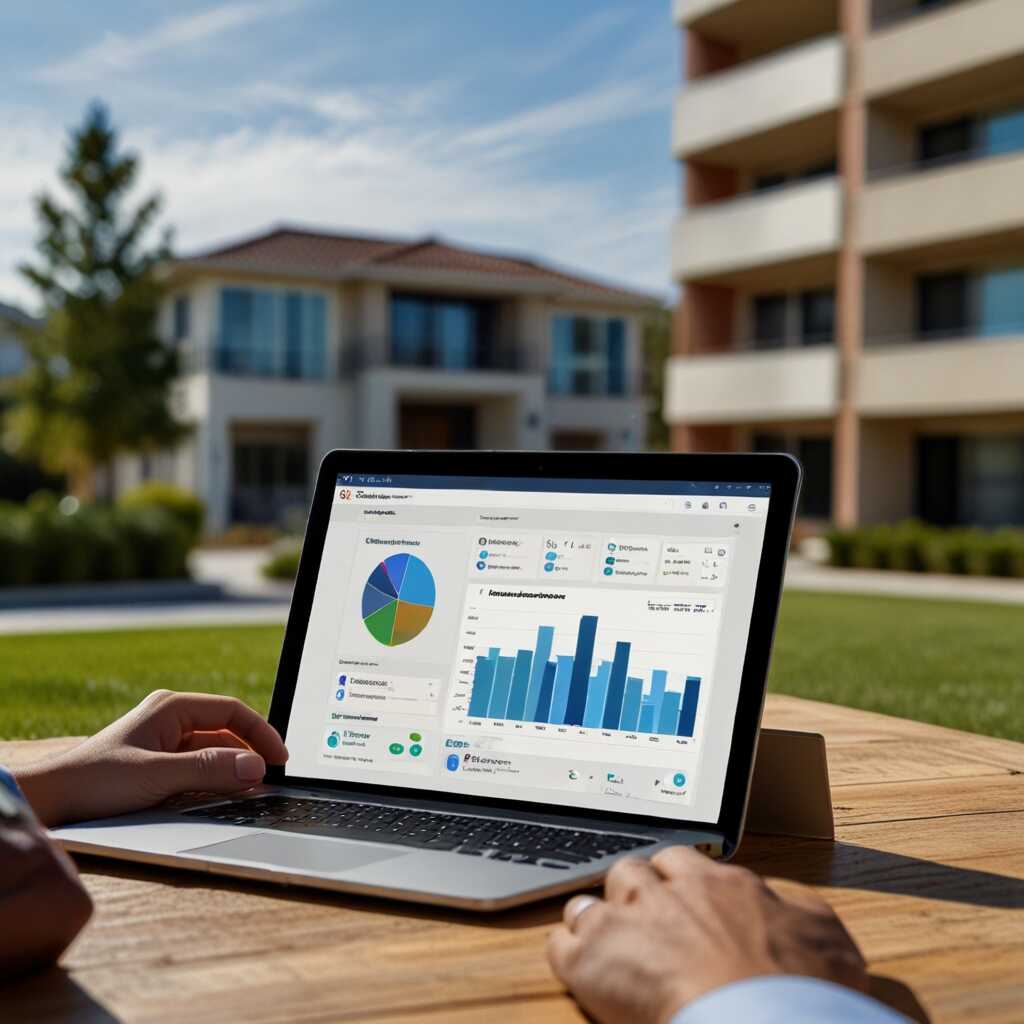
How Leasing Automation Handles Retail Unit Workflows and Negotiation Support in Mixed-Use Developments
Automate retail leasing by: publishing commercial listings to targeted commercial channels and an internal broker portal with real-time lead routing; generating customizable LOIs and commercial lease templates pre-filled with rent, term, TI allowance, CAM structure, and required clauses. Provide TI and CAM calculators that output monthly cost schedules and impact on NOI. Expose space availability maps that sync with building operations for utilities, access, and fit-out milestones. Track every negotiation step with status flags, versioned LOIs, redline controls, and an auditable concession log so approvals flow only through designated roles. Automation speeds leasing by reducing manual follow-ups, accelerating offer comparisons, and routing qualified broker/tenant leads immediately. Protect landlord interests via enforced clause libraries, approval gates, and immutable audit trails. Consideration: this requires accurate floorplans, validated CAM baselines, and a clear data-usage policy before rollout.Piloting New Approaches to Retail Leasing
Piloting a new approach can mitigate the common hidden trap of treating retail like apartments and reusing residential workflows. This practice leads to mispriced CAM/TI obligations and lost rent for asset managers and leasing directors. Assign role-specific views so each stakeholder gets relevant data without manual translation. Brokers see deal rooms and LOIs. Asset managers see NOI impact and TI amortization. Immediate next step – pilot the broker portal plus TI/CAM calculators on one or two retail units. Track lead-to-offer and lease-execution weekly. If numbers diverge from expectations, audit your floorplans and CAM baselines as the first troubleshooting action.Implementation Benefits and Selling Points for Mixed-Use Portfolios
- Specific Stakeholder Benefit: Leasing teams gain up to a 70% productivity boost from automated lead routing, showing scheduling, and in-app collaboration, reducing time-to-lease.
- The Counter-Intuitive Insight: More listing channels usually help residential reach, but retail often needs curated syndication plus broker outreach to avoid low-quality inquiries.
- The Hidden Trap: Reusing residential lease templates for retail (NNN, CAM clauses) creates legal and revenue-leakage risks for property managers and owners.
- Specific Stakeholder Benefit: Leasing Directors get stronger tenant risk control using Leasey.AI integrations (Certn, Discrepancy AI) for fraud detection and faster approvals.
- The Scale of Severity: Scheduling conflicts across mixed-use units create exponential coordination overhead as portfolios scale, demanding automated showing schedulers and rules engines.
- The Counter-Intuitive Insight: Automating document generation reduces negotiation time and errors, saving legal-review cycles for complex retail leases.