Automate Family Inquiries and Tours with Leasey.AI
Reduce manual work and improve family communication. Book a demo to see how Leasey.AI automates inquiries, tour scheduling, and tour follow-ups for senior living.
Book Your Free Demo
How Senior Living Properties with 150-Plus Units Automate Family Inquiry and Tour Coordination
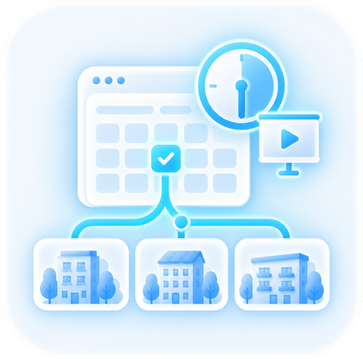
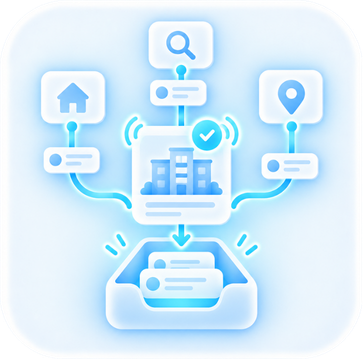
Inquiry management captures, qualifies, and records incoming family contacts in the CRM. Lead triage rules and an automated inquiry response (AI chatbot and email/SMS) ensure staff see priority cases immediately. Tour coordination takes qualified leads and books real available slots through tour scheduling automation. The process includes calendar integration (Google/Outlook) and booking confirmations with reminders. Virtual tours and video walkthroughs are also available when appropriate. Digital consent and intake forms are pre-filled before the visit. At 150+ units, expect sustained, overlapping peaks of family outreach and same-day tour requests. Such requests require workflow automation, staff rostering, and capacity management to avoid double-bookings and missed follow-ups. Desired outcomes are measurable: faster initial responses, consistent SLA & response time metrics, and higher tour-to-move-in conversion, tracked through reporting and analytics (conversion funnels).Operational Workflow Steps and KPIs for Senior Living Family Inquiry Automation
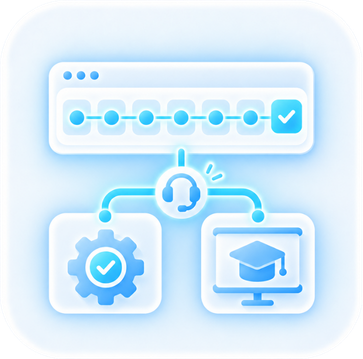
Actionable workflow: route all inquiries into your CRM via API & third-party integrations, apply lead triage rules to tag urgency, deliver an immediate AI chatbot response, allow self-booking into live calendars, send automated booking confirmations and two reminder touches (SMS + email), and require digital consent & intake forms before tours; log every step for conversion-funnel reporting. Track KPIs weekly: initial response SLA, scheduled-tour fill rate, no-show rate, lead-to-tour conversion, and time-to-move-in. Align rostering to peak booking windows to keep staff capacity aligned. As a consideration, this strategy requires clear data usage policies, consent capture, and PII/HIPAA-aligned handling (encryption, limited access) before live rollout. Run a 30-day pilot on one building or wing: enable CRM-to-calendar integration, activate an AI chatbot for 24/7 triage, set a 15-minute automated initial response SLA, and review weekly conversion-funnel reports to iterate scheduling rules and staffing.Why Automating Family Inquiries Yields Better ROI and Resident Experience in Senior Living Properties
Automating inquiry response and tour coordination reduces manual staff time. This is achieved by routing leads through CRM-based lead triage, an AI chatbot for 24/7 first contact, and tour scheduling automation tied to Google/Outlook calendars and staff rostering. Setting a measurable SLA for initial contact and confirmed bookings, such as responding to new online inquiries within 60 minutes, produces faster tour booking, higher show-rates, and measurable lift in lead-to-lease conversion. Those gains in turn lower vacancy days and cost-per-visit. Families receive consistent booking confirmations, automated reminders, virtual tour links, and digital consent/intake forms. These features improve family satisfaction while centralizing PII for audit-ready compliance. Consideration: this requires documented data-usage policies and mapped PII/HIPAA controls before going live to avoid regulatory and privacy risk.ROI Indicators and Key Performance Metrics for Senior Living Family Inquiry Automation
Prioritize integrations and features that directly move KPIs: CRM sync and API integrations for referral partners, automated lead triage rules, booking confirmations and reminders, reporting dashboards covering median response time, tour show-rate, lead-to-tour and lead-to-lease conversion, and cost-per-visit, plus digital consent forms for audit trails. Implementation steps: Map current admission workflows and capacity. Connect calendars and CRM via API. Configure lead triage and SLA rules. Enable chatbot templates. Run staff training with escalation paths. Measure weekly and adjust triage thresholds. Counter-intuitive insight: Automating initial outreach often increases the perception of personal service. Families receive timely, consistent answers, and staff can then focus on high-touch conversations. Run a 30-day pilot on one community: enable the AI inquiry responder, integrate Google/Outlook calendar, set a 60-minute SLA, and review response time and tour show-rate weekly to validate ROI and tune workflows.
Core System Components for Automating Family Inquiry Management in Senior Living Properties
A complete CRM solution must capture omnichannel intake (phone, web, email, social) into a single system. The system uses AI-powered 24/7 triage/chatbot for automated inquiry response and initial lead triage. It also enforces configurable lead-qualification rules that score and route prospects to the correct workflow. The system must offer integrated tour scheduling with Google/Outlook calendar sync. It also needs capacity-aware staff rostering, automated booking confirmations and reminders, and tour-delivery options like secure virtual tours or video walkthroughs. The platform should collect digital intake and consent forms. It should also surface real-time reporting and conversion-funnel dashboards that include SLA and response-time metrics. Furthermore, the platform must expose APIs for PMS/EMR/CRM and other third-party integrations to prevent double data entry. Counter-intuitive insight: Adding more intake channels without centralized triage and capacity-aware scheduling usually increases workload and reduces responsiveness. Automation must therefore be designed to filter and pace demand.Ensure Effective Workflow Automation Systems for Senior Living Family Inquiry Automation
Effective workflow automation requires a system that preserves audit trails. A clear prerequisite is a documented data-usage policy addressing PII and applicable privacy laws before enabling 24/7 chat or third-party API sync. The immediate next step is to run a 30-day intake audit to map volumes by channel, average response times, and peak staffing gaps. Then configure qualification rules and pilot a chatbot-to-schedule workflow with calendar sync and automated reminders. Track conversion-funnel KPIs and SLA adherence weekly and adjust score thresholds or throttle show-availability if staff capacity is exceeded. Troubleshooting tip: if no-shows spike after automation, enable two-step confirmation (email + SMS) and surface no-show reasons in the dashboard for rapid iteration.Quantitative Metrics Justifying Automation for Family Inquiries & Tours
- Specific Stakeholder Benefit: Admissions teams save 20+ hours per listing through automation (Leasey.AI metric), cutting repetitive outreach and scheduling work. (29 words)
- Action: Pilot automation on one building to validate time-savings and capture baseline manual-hours before full rollout.
- Counter-Intuitive Insight: Automated inquiry responses can increase lead conversion by up to 400% (Leasey.AI reported), but require escalation paths to close complex cases. (24 words)
- Action: Ensure every automated reply includes easy handoff to a human for clinical or sensitive family concerns.
- Specific Stakeholder Benefit: Automation has driven a 60% reduction in vacancy periods in residential pilots (Leasey.AI), improving occupancy stability. (20 words)
- Action: Map vacancy-to-revenue impact across your 150+ units to estimate payback and ROI timelines before procurement.
- Scale of Severity: Manual scheduling and follow-ups become unmanageable at 150+ units – missed follow-ups and double-bookings rise sharply. (20 words)
- Action: Implement centralized scheduling with calendar-sync and conflict prevention as a priority for communities of your scale.
- Specific Stakeholder Benefit: Lead prequalification automation can improve lead-to-lease ratios (Leasey.AI reports ~150% improvement), reducing time wasted on unqualified inquiries. (25 words)
- Action: Define admission-specific prequalification rules (care level, budget, availability) to avoid false positives and wasted tours.
- The Hidden Trap: Over-reliance on generic templated replies lowers family trust and increases escalations when personalization is absent. (20 words)
- Action: Use AI templates with personalization tokens and mandatory human review triggers for sensitive cases.

Implementing Family Inquiry Automation: A Step-by-Step Roadmap for Large Senior Living Communities
Implement automation in phases: discovery and volume analysis, process mapping, and rule setting for lead triage and qualification. Schedule rules and capacity planning, API and third-party integrations, a controlled pilot, staff training and change management, a go-live checklist, and post-launch monitoring. Run a 30-day inquiry volume analysis from your CRM. Map the full family-inquiry-to-tour lifecycle, including digital consent and intake forms and virtual tours/video walkthroughs. Define SLA and response time metrics for each funnel stage. Configure automated inquiry response via AI chatbot and booking confirmations/reminders with calendar integration (Google/Outlook) and staff rostering. Also, implement capacity management controls to enable hands-free bookings. Implementing this strategy requires clear data usage policies and PII/HIPAA-compliant controls prior to connecting external systems or storing sensitive information.Sprints and Planning for Implementation Success in Senior Living Family Inquiry Automation
Execute in 2–4 week sprints: Sprint 0 – extract 30 days of Customer Relationship Management (CRM) logs and interview admissions, operations, IT, and family-relations staff; Sprint 1 – map processes and codify triage rules (phone-first for clinical queries, chatbot-first for general questions) and set scheduling buffers per unit type; Sprint 2 – connect calendar integration (Google/Outlook), enable booking confirmations & reminders, wire virtual tour links, and implement workflow automation for task assignment and reporting and analytics. Pilot for 4 weeks with a defined cohort (example: 20% of inbound inquiries), track conversion funnels, Service Level Agreement (SLA) adherence, and staff time savings, and require a manual-override step to avoid the hidden trap of auto-booking unsuitable tours without human qualification. Train teams with two 90-minute role-specific sessions and two weeks of shadowing. Validate APIs and data flows with IT, and use the pilot to refine rules before full cutover. The immediate next step is to schedule a two-hour discovery workshop. Also, pull the CRM inquiry export for the last 30 days to build triage rules and capacity plans.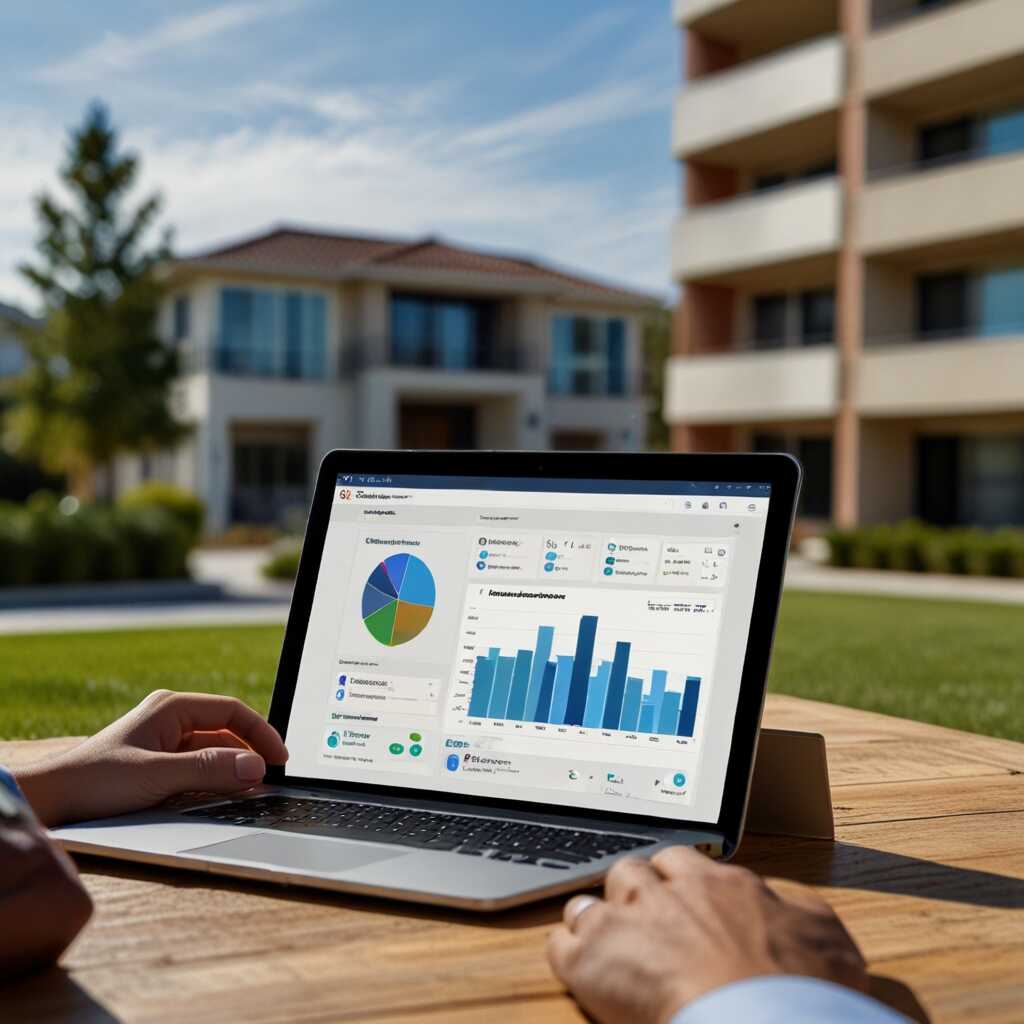
Criteria for Senior Living Operators to Evaluate Inquiry Automation Platform Vendors
Vendors must demonstrate concrete technical capabilities in their offerings. These capabilities include RESTful APIs and webhooks with published documentation, bi-directional PMS/CRM synchronization, Google/Outlook calendar integration, and calendar conflict detection. The system must support automated inquiry response via AI chatbot. It also needs lead triage rules, tour scheduling automation, booking confirmations and reminders, virtual tour/video walkthrough hosting, staff rostering and capacity management, and digital consent/intake forms. Specify security and compliance controls: encryption at rest and in transit, role-based access, and PII handling procedures. Also specify data residency options and proof of SOC2/HIPAA or equivalent audits. Ask for incident response playbooks and data export options. Request measurable SLAs and reporting: a documented first-response SLA (automated reply within 5 minutes and a defined human follow-up SLA), uptime targets, error budgets, conversion-funnel analytics (lead to tour, tour to application, lead to lease), and weekly dashboards. Include vendor support and commercial terms: transparent subscription and per‑community pricing, onboarding timeline with milestones, dedicated CSM, training plan, and references from communities of 150+ units; list red flags such as no API access, opaque pricing, missing security attestations, unclear data ownership, or inability to show references or a live integration demo.Essential API Requests in RFPs and Potential Red Flags for Senior Living Family Inquiry Automation
When developing an RFP, request sample API endpoints, lead object schemas, webhook event types, and a demo of CRM sync and calendar integration. Also, request a copy of security certificates, a runbook for PII/HIPAA handling, and a timeline for role‑based workflow customization and staff training. Sample questions: “Provide API docs and a sandbox user account”, “How do you escalate human handoff and what are your SLA metrics for first human reply?”, “Can you export all PII in a machine‑readable format on request?”, “Provide three references from 150+ unit senior living communities and a case study showing lead→tour conversion improvements.” Consideration: The CRM integration program requires clear data‑usage policies and staff change management to avoid errors. Hidden trap: Do not equate faster automated replies with better outcomes. Over-automating family communications can reduce trust and lower conversion if escalation paths are weak. Require shortlisted vendors to run a 30-day pilot in one community before committing to an enterprise rollout. This pilot must include calendar sync, CRM integration, and weekly lead-to-tour conversion reports. If a vendor refuses sandbox access or reference checks, mark them as a disqualifier.Stakeholders Benefit from Streamlined Operations
- Specific Stakeholder Benefit: Stakeholders like the Director of Sales benefit significantly as an automated showing scheduler reduces manual booking overhead, freeing staff to deliver higher-touch family engagement. (21 words)
- Action: Allocate freed hours to follow-up calls and family consultation slots, not additional admin tasks.
- Counter-Intuitive Insight: Faster automated confirmations increase tour attendance but also raise demand for on-site staff readiness. (18 words)
- Action: Pair automation with two-way SMS confirmations and staffing SOPs for peak tour windows.
- Specific Stakeholder Benefit: Operations – Standardized workflows in an automation software platform prevent task duplication across buildings, critical for regional portfolios. (22 words)
- Action: Create templated workflows (inquiries → prequal → schedule → reminder → follow-up) and enforce SLAs with dashboards.
- IT/Systems Priority (Counter-Intuitive): Choosing the cheapest vendor often raises integration and security costs later; prioritize open APIs and proven integrations. (23 words)
- Action: Require vendor API docs, calendar (CalDAV/Exchange/Google) sync, and references for existing senior-living integrations.
- The Hidden Trap: Family Relations – Automating messages without explicit consent or preferences risks privacy breaches and complaints. (18 words)
- Action: Implement opt-in contact preferences, consent logging, and HIPAA-aware templates where PHI is exchanged.
- Scale of Severity: Vendor selection mistakes grow costly above 150 units – custom integrations and fractured data cause exponential ops overhead. (20 words)
- Action: Evaluate total cost of ownership: onboarding, integrations, training, support, and expected productivity gains (use pilot data from Leasey.AI if available).