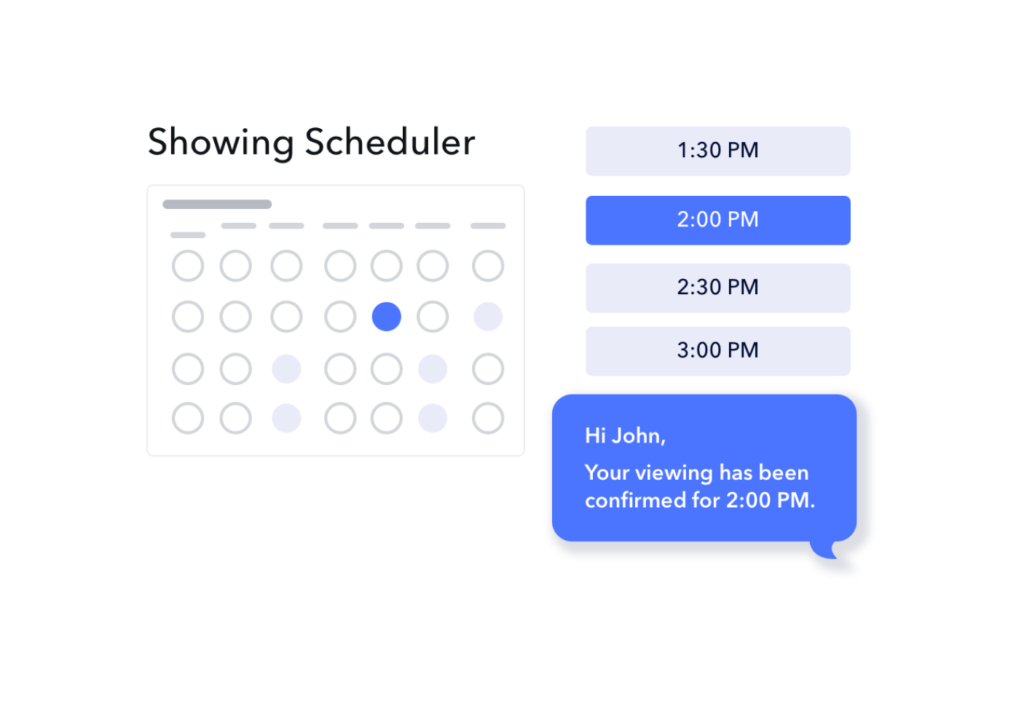
Showing Scheduler
Faster Bookings, Fewer No-Shows
Is slow scheduling costing you tenants?
A property showing scheduler automates appointment booking for rental viewings, eliminating manual coordination between property managers and prospective tenants. Leasey.AI's system specifically saves property managers several hours weekly by allowing pre-qualified leads to self-book viewings based on your available time slots, while automated reminders reduce no-shows significantly.
The automation works by connecting your calendar to a booking interface where prospects can see available showing times. When someone passes your prequalification questions, they immediately access your real-time availability and book their preferred slot. The system then sends automatic confirmations and reminders leading up to the showing.
How Leasey.AI's Showing Scheduler Transforms Property Management Operations
What Exactly Is a Property Showing Scheduler and Its Core Functions
A property showing scheduler is specialized software that automates the entire process of booking, managing, and tracking property viewings for rental units. The core functions include calendar synchronization, automated booking confirmations, reminder sequences, and integration with tenant screening systems. Property managers use these tools to replace the traditional back-and-forth of phone calls and emails with a streamlined digital booking process. Leasey.AI's showing scheduler specifically combines these features with pre-qualification filtering to ensure only serious prospects book viewings.
How Automated Scheduling Saves Time for Property Managers
The time savings from automated scheduling come from eliminating repetitive tasks that typically consume hours each week. Instead of manually coordinating schedules through multiple email exchanges, property managers set their availability once and let the system handle all booking logistics. Most property managers report saving between 5 to 10 hours weekly on scheduling tasks alone. The specific time saved depends on portfolio size - managers with 20-50 units typically see the most dramatic improvements, while those managing fewer than 10 properties still save meaningful time on coordination.
- Email and phone tag elimination saves approximately 30-45 minutes per showing scheduled
- Automated reminders reduce follow-up time by handling all pre-showing communications
- Batch scheduling features allow multiple showings per property in organized time blocks
- Integration with lead prequalification prevents time wasted on unqualified prospects
- Mobile access enables schedule management without returning to the office
- Centralized calendar prevents double-booking conflicts across team members
- Analytics dashboards eliminate manual tracking of showing metrics and conversion rates
Step-by-Step Process: How Property Showing Automation Works
The automation process begins when a prospect expresses interest in viewing a property through your website, listing platform, or marketing materials. First, they complete customizable pre-qualification questions that filter for basic requirements like income level, desired move-in date, and pet ownership. Qualified prospects then see your real-time availability pulled directly from your synchronized calendar. After selecting their preferred time slot, the system sends immediate booking confirmation with property details and showing instructions.
Setting Up Your Automated Showing System
The setup process for automated showing scheduling typically takes one to two days. You start by connecting your existing calendar (Google, Outlook, or Apple) to prevent scheduling conflicts. Next, you establish showing parameters including available days, time blocks, and buffer periods between appointments. The system requires basic property information including addresses, access instructions, and any special viewing requirements. Most platforms offer templates for common property types that you can customize for your specific needs.
Key Features That Make Showing Schedulers Effective
The most valuable features of modern showing schedulers address common pain points in traditional scheduling methods. Calendar synchronization prevents the embarrassment and inefficiency of double-booked appointments by updating availability across all connected platforms in real-time. Customizable reminder sequences dramatically reduce no-shows - most property managers see significant improvement when using automated reminders at strategic intervals. The ability to set property-specific rules ensures each listing's unique requirements are respected during the booking process.
- Real-time calendar sync updates availability within minutes across all platforms
- Customizable pre-qualification forms filter prospects before booking access
- Multi-channel reminders via email, SMS, and app notifications improve attendance
- Team calendar visibility allows coordinated showing coverage among agents
- Integration with listing platforms creates seamless prospect-to-showing workflows
- Mobile apps enable field management of showings and real-time updates
- Analytics tracking measures showing-to-application conversion rates
When Property Managers Should Implement Automated Scheduling
The ideal time to implement automated scheduling is when manual coordination starts consuming more than 5 hours weekly or when you're managing more than 10 active listings. Property managers experiencing frequent double-bookings, high no-show rates, or delays in filling vacancies should prioritize automation implementation. The decision also depends on your market - competitive rental markets with quick turnover benefit most from the speed advantage of automated scheduling. Seasonal patterns matter too; implementing before busy rental seasons maximizes the efficiency gains.
Cost Considerations for Property Showing Software
Property showing scheduler costs typically range from $50 to $500 monthly depending on features and portfolio size. Basic systems suitable for individual landlords or small property managers (under 50 units) usually cost $50-150 monthly. Mid-sized operations (50-200 units) generally invest $200-350 monthly for advanced features like team management and detailed analytics. Enterprise solutions for large portfolios can exceed $500 monthly but often include custom integrations and dedicated support. Most platforms offer free trials lasting 14-30 days to test compatibility with your workflow.
How Pre-Qualification Filtering Improves Showing Quality
Pre-qualification filtering works by asking prospects essential questions before granting booking access. The questions typically cover income requirements, desired move-in timeframe, number of occupants, pet ownership, and smoking preferences. This filtering saves substantial time by preventing showings with prospects who don't meet basic criteria. Advanced systems can customize questions based on specific property requirements - luxury properties might include different criteria than student housing. The key is balancing thoroughness with user experience to avoid deterring qualified prospects.
Designing Effective Pre-Qualification Questions
Effective pre-qualification forms typically include 5-8 questions that can be answered in under two minutes. Essential questions address income (usually as a range or multiple of rent), move-in timeline, number of adult occupants, and any pets. Optional questions might cover employment status, previous rental history, or specific property requirements. The form design should clearly explain why information is needed and assure prospects that detailed verification comes later in the process. Progressive disclosure - showing questions based on previous answers - creates a more personalized experience.
Automated Reminders and Their Impact on No-Show Rates
Automated reminder systems significantly reduce no-shows by keeping the showing top-of-mind for prospects. The typical reminder sequence includes immediate booking confirmation, a 24-hour advance reminder, and a final reminder 2-3 hours before the showing. Each message should include essential details: property address, showing time, parking instructions, and contact information for last-minute changes. Multi-channel delivery through email and SMS ensures messages reach prospects through their preferred communication method.
Optimizing Reminder Timing and Content
The most effective reminder timing varies by market and prospect type. Professional tenants often prefer longer advance notice, while students and younger renters respond better to same-day reminders. Testing different timing sequences helps identify what works best for your specific market. Reminder content should be concise but complete - include the property address, your contact information, and any special instructions like gate codes or parking locations. Personalization features that include the prospect's name and specific property details improve engagement rates.
Mobile Management Capabilities for Field Operations
Mobile functionality enables property managers to handle showing logistics while away from the office. Essential mobile features include real-time schedule viewing, ability to manually add or modify showings, instant notifications of new bookings, and access to prospect contact information. Advanced mobile tools allow on-site note-taking, photo documentation, and immediate application processing. The best mobile apps work offline and sync when connectivity returns, ensuring field operations aren't disrupted by poor cell coverage at properties.
Integration With Existing Property Management Systems
Integration capabilities determine how well a showing scheduler fits into your existing workflow. Most modern systems integrate with popular property management software, CRM platforms, and listing syndication services. Calendar integration remains the most critical - supporting Google Workspace, Microsoft 365, and Apple calendars at minimum. API availability allows custom integrations with specialized tools your team already uses. Data synchronization should be bidirectional, updating both systems when changes occur in either platform.
Understanding the Limitations of Automated Showing Systems
The limitations of automated showing systems include reduced personal touch in initial interactions and potential technical barriers for less tech-savvy prospects. Some markets still prefer traditional phone-based scheduling, particularly in luxury segments where white-glove service is expected. Automated systems also require consistent internet connectivity and may struggle with complex showing scenarios like multi-property tours or special accommodation requests. Properties requiring specific showing procedures - such as tenant-occupied units - may need manual coordination despite automation capabilities.
Which Property Types Benefit Most From Showing Automation
Multi-family properties, student housing, and mid-market rentals typically see the greatest benefits from showing automation. These property types often have high showing volumes and relatively standardized viewing processes. Single-family homes in suburban markets also benefit, especially when managing geographically dispersed properties. Luxury properties may use automation selectively, perhaps for initial scheduling while maintaining personal touches for actual showings. Properties in competitive markets with quick turnover gain significant advantages from the speed of automated scheduling.
Leasey.AI's property showing scheduler addresses the critical challenge of coordinating rental viewings efficiently while maintaining quality prospect interactions. By automating repetitive scheduling tasks and integrating with comprehensive property management features, the platform helps managers reduce vacancy periods and operate more efficiently. Property managers ready to reclaim hours of their week while improving the prospect experience should explore how Leasey.AI's automated scheduling solution can transform their leasing operations.