
Facebook Marketplace is free. Your team’s time answering leads there isn’t.
- Leasey.AI syndicates your listings to Facebook Marketplace and 48+ rental sites with one click
- AI agents respond to Facebook Messenger leads 24/7 — no staff required
- Qualified leads book showings directly, with automated reminders to cut no-shows
- 35% of leads are lost without a 24/7 automated response
Facebook Marketplace offers a more user-friendly interface than Craigslist, especially for rental properties, making it the preferred platform for many property managers and landlords. More than 35% of rental property managers have reported switching to Facebook Marketplace due to its intuitive design and advanced features.


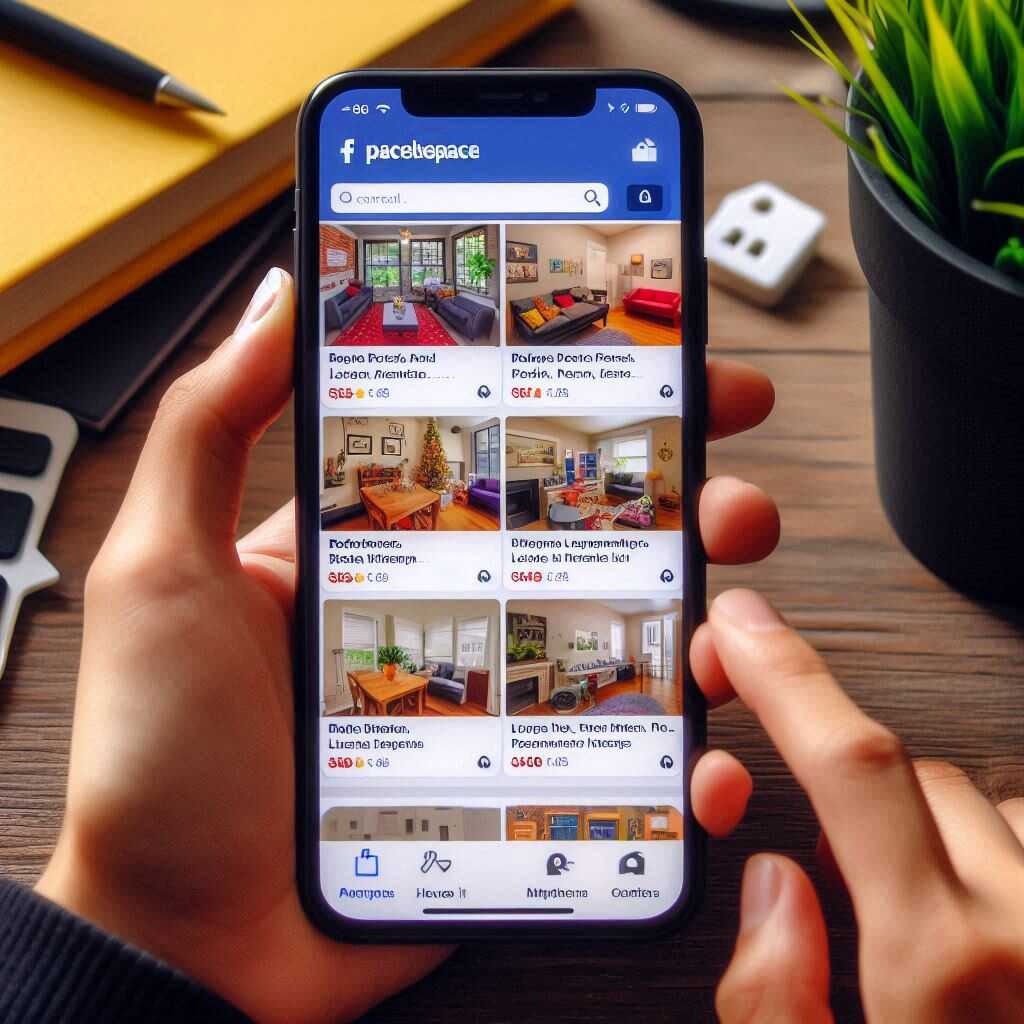
Table of Contents
- User Experience and Navigation
- User Ratings and Reviews
- Facebook Marketplace vs Craigslist: Security Measures for Rentals
- How Effective Are Facebook Marketplace’s Security Features?
- Listings and Property Details
- What Multimedia Options Do Rental Listings on Facebook Marketplace Have?
- Facebook Marketplace vs Craigslist: User Demographics
- What Age Groups Prefer Facebook Marketplace for Rentals?
- Customer Support and Issue Resolution
- Are Users Satisfied with Facebook Marketplace’s Customer Support?
- Facebook Marketplace vs Craigslist: Pricing and Fees
- How Affordable Are Rental Listings on Facebook Marketplace?
User Experience and Navigation for Facebook Marketplace vs Craigslist
Facebook Marketplace’s user interface is more modern and intuitive than Craigslist’s sparse layout. This design makes listing and searching for rental properties easier. Craigslist is often criticized for its outdated design and lack of user-friendly navigation, posing significant navigation challenges for users hunting for rentals. Facebook Marketplace allows users to filter rental properties more effectively using various facilities, such as rental duration and property type, which became widely available in 2018. Quality filters provide a much better search experience for rental properties on Facebook Marketplace, while Craigslist lacks the same level of ease and efficiency.User Ratings and Reviews for Facebook Marketplace vs Craigslist
User ratings reliability is a strength of Facebook Marketplace, where a more transparent review system helps identify trustworthy landlords. Over 60% of users have reported trusting Facebook Marketplace reviews, while Craigslist reviews, often seen as less credible, prompt frequent concerns. Features of Facebook Marketplace reviews, such as verified profiles and historical feedback, empower users to make better rental decisions. Facebook Marketplace handles negative reviews effectively by promptly flagging them for investigation, whereas Craigslist has fewer mechanisms to address user complaints swiftly.Security Measures for Rentals in Facebook Marketplace vs Craigslist
Facebook Marketplace employs numerous security measures, such as profile verification and transaction monitoring, to maintain secure rental listings. Leasey.AI notes that Craigslist users must adopt self-protection methods against rental scams. This includes contacting landlords using verified emails and phone numbers. Facebook Marketplace features more robust security protocols, including AI-driven fraud detection, compared to Craigslist’s more simplistic approach. There are notable differences in handling rental fraud, with Facebook Marketplace acting quicker and more decisively in removing fraudulent listings.How Effective Are the Security Features of Facebook Marketplace?
Rental scams reported on Facebook Marketplace are relatively low, with only about 0.5% of listings identified as scams. Verified rental listings on Facebook Marketplace encompass 75% of all available properties, enhancing user trust. Facebook Marketplace offers an impressive security feature count, including profile verification, artificial intelligence monitoring, and transaction protection. response time for resolving rental scams on Facebook Marketplace averages 24 hours, showcasing the platform’s efficiency in safeguarding users.
Benefits of Using Online Platforms for Property Rentals
- Reach a wide audience easily.
- Facebook Marketplace offers user reviews.
- Listings can be posted quickly.
- Craigslist is known for its simplicity.
- Postings are often free.
- Get direct inquiries from interested parties.
- Easy to update and edit listings.
Comparison of Facebook Marketplace and Craigslist for Rental Property Listings
| Aspect | Facebook Marketplace | Craigslist |
|---|---|---|
| User Interface | Modern, intuitive | Basic, dated |
| Monthly Users | 1.62 billion | 60 million |
| Cost to Post | Free | $5 per listing |
| Scam Frequency | Low | Moderate |
| Average Age of Users | 25-45 years | 30-50 years |
| Customer Support | Limited | Minimal |
| Review System | Yes | No |
Listings and Property Details for Facebook Marketplace vs Craigslist
Facebook Marketplace offers more detailed rental listings compared to Craigslist. Facebook Marketplace rental property listings often include more descriptive information, better organized formats, and updated specifications. Facebook Marketplace features neat property categorization. Craigslist listings, conversely, use a simpler text-based layout. Facebook Marketplace supports extensive multimedia features including photo galleries, 360-degree views, and even videos, which makes the property details feel more vivid and engaging. In general, rental property descriptions on Facebook Marketplace are more comprehensive, resulting in a better user experience and faster renting process. Property managers may find that Zillow rentals show similar comprehensive property details as Facebook Marketplace rentals.What Multimedia Options Do Rental Listings on Facebook Marketplace Have?
Facebook Marketplace rental listings can include a wide array of multimedia options such as photos, videos, and 3D tours. The platform allows users to upload up to 50 photos per property listing, significantly enhancing visual engagement. Additionally, property managers will benefit from including video tours for rental properties, which is supported by Facebook Marketplace rental multimedia options. Utilizing multimedia options in rental listings has been shown to increase engagement and attract more potential renters by 60%. Enhanced rental listings featuring rich visual content can significantly improve performance on Facebook Marketplace, similar to Realtor.com’s multimedia features.User Demographics in Facebook Marketplace vs Craigslist
User demographics for Facebook Marketplace and Craigslist differ significantly. Facebook Marketplace is more popular with millennial users for rental properties, comprising about 40% of its user base. Craigslist, conversely, serves a broader and more varied demographic. Facebook Marketplace shows higher engagement in urban areas. Craigslist maintains strong usage in suburban and rural regions. Younger users prefer Facebook Marketplace because of its modern interface and social media integration. Craigslist users, conversely, often belong to older age brackets. Rental search behavior varies widely. Facebook Marketplace users, for instance, show strong preferences for visually appealing property images and details, similar to those on Rent.com.What Age Groups Prefer Facebook Marketplace for Rentals?
Over 50% of Facebook Marketplace users are aged 18-29, making them the largest demographic on this platform. Users in the 30-45 age range are the second most active group, with around 30% of the total user base preferring Facebook Marketplace for rentals. Approximately 10% of users above 50 years old utilize Facebook Marketplace for rental searches, often appreciating the easy navigation. Age distribution on Facebook Marketplace impacts rental listing engagement, as younger demographics tend to interact more with property listings featuring multimedia options. The active engagement from users aged 18-45 on Facebook Marketplace greatly enhances listing visibility, similar to user activity on Apartment Finder.
Numerical Insights on Property Rental Platforms
- Facebook Marketplace serves over 2 billion active users.
- Craigslist operators charge $5 per rental listing in most areas.
- Over 800 million people actively use Marketplace each month.
- Craigslist’s team operates the platform in over 70 countries.
- Ninety percent of U.S. adults actively recognize Facebook Marketplace.
- Craigslist has operated continuously since 1995.
- Marketplace’s platform allows users to upload 10 photos per listing.
Similar posts:
- Case Study: Overcoming Rental Scams with Facebook Marketplace Tools
- Controversial Practices in Facebook Marketplace Rental Listings
- What’s Causing the Backlash Against Facebook Marketplace Rentals?
- Facebook Marketplace vs Zillow: Which is Better for Rentals?
- Top 7 Rental Property Features Most Sought-after on Facebook